The easy, secure way to sign in to every panel.
Connect gives every teacher their own profile on any interactive panel on campus — sign in with the accounts you already use, or tap a NEXT FOBio. Personalized, secure, and managed from one place.

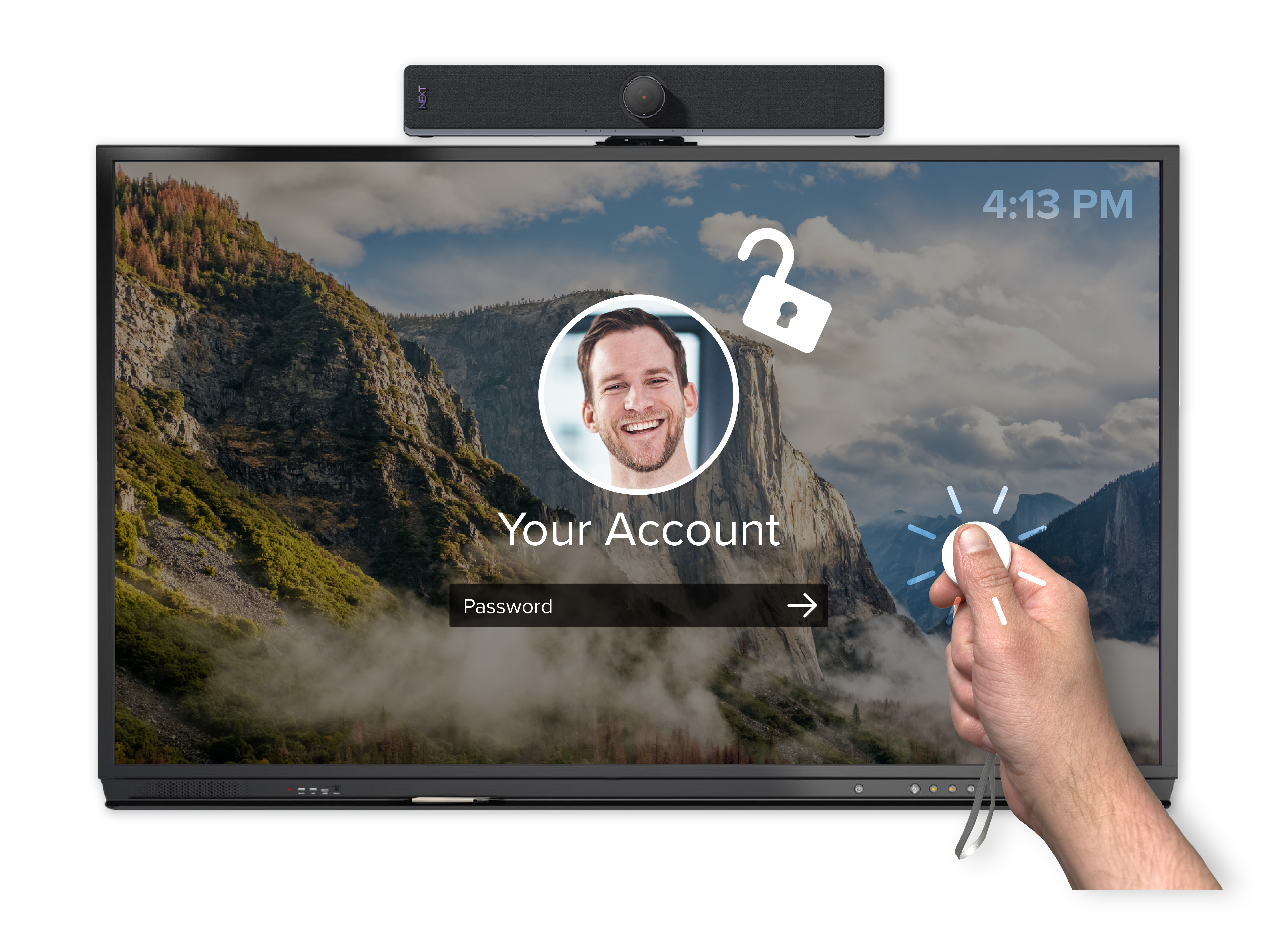
Tap to log in with NEXT FOBio.
FOBio is a small Bluetooth Low Energy fob that logs teachers into the panel — and wakes it from sleep — in a single click. No typing, no shared passwords. Admins assign each fob to a user right in the Connect web interface.
-
Instant access to your profile & Chorus tools
-
Encrypted user ID on an isolated channel
-
3-year battery · IP67 · BLE 5.0 · NEXT-branded
One login. Every panel. Fully managed.
Seamless login
Access panels on your campus using existing Google, Microsoft, ClassLink, Clever or Chorus accounts — or a NEXT FOBio.
Roaming profiles
Keep your lesson activities, Symphony whiteboards and even custom backgrounds across any interactive display.
Secure access
Securely reach your personalized profile on any compatible device, with encrypted sign-on.
Centralized management
Manage users and guest accounts from the Connect web interface — add, remove and configure remotely.
Multi-profile support
Let multiple users personalize their experience on a single shared device.
Admin control
Super-admin access for higher-level configuration across the district.
Add tap-to-login to every classroom.
Connect comes with NEXT Hub. Add NEXT FOBio for one-click sign-on, or book a demo to see it live.


